
Tips for Playing Browser Games on Your Phone
Orientation, full screen, touch controls, performance, sound, and how to keep your progress safe.
Every game on Game Mulu runs straight in your phone's browser with nothing to install. Still, touch screens and small displays bring their own challenges compared with a keyboard and monitor. This guide collects practical tips that make playing on a phone far more comfortable, from screen orientation to keeping your progress safe.
1. Choose the right orientation
Game Mulu games are designed around one of two habits:
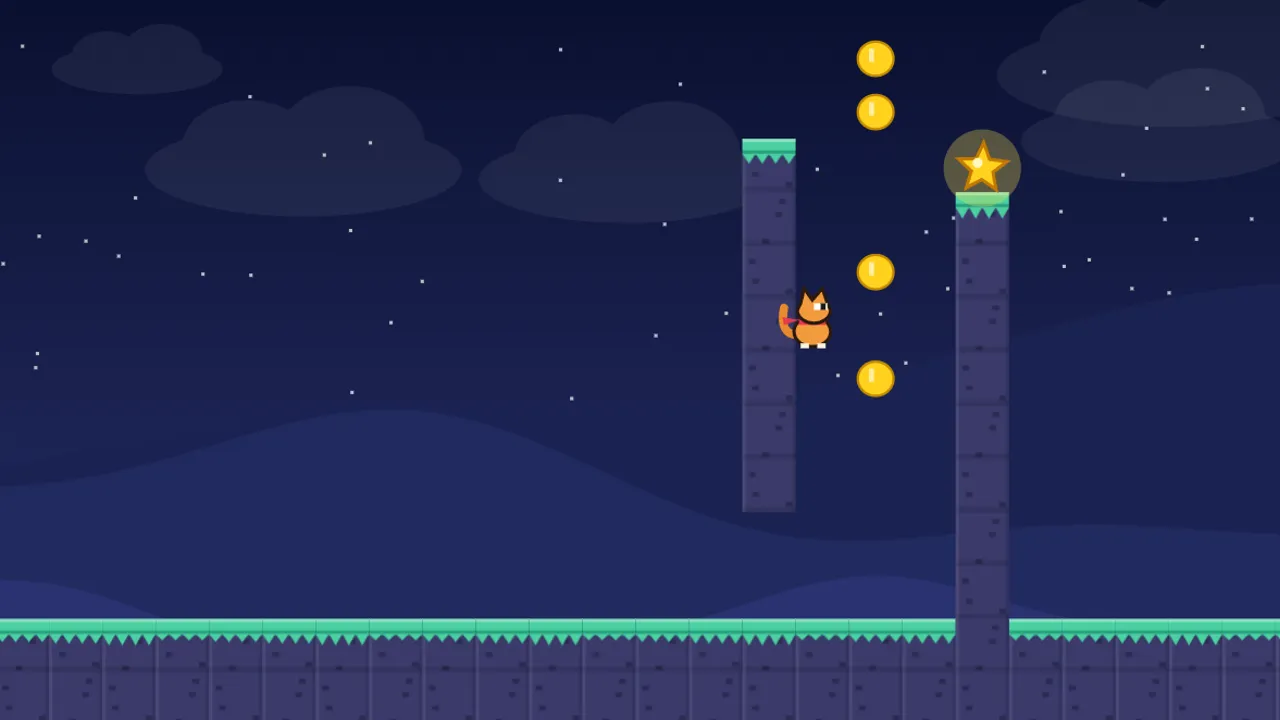
- Platformers are best in landscape. Kiko's Quest, Jaka's Journey, Lala's Leap, and every 12-level platformer such as Kucing Tembok or Roket Rudi put the direction buttons on the left and action buttons on the right. Landscape leaves room for both thumbs without covering the character.
- Aiming and arcade games work either way. Coral Turtle, Hungry Serpent, and Blast Maze can be played in portrait or landscape. For shoot-and-match games, landscape gives the widest aiming area.
If auto-rotate is off on your phone, turn it on before opening a game that plays best in landscape.

2. Use full screen
Once a game starts, a Full screen button appears below the play area. It hides the browser's address and navigation bars, so the play area gets bigger and touches near the edge do not trigger browser gestures.
3. Learn how touch controls work
Touch controls differ by game type, and understanding them prevents a lot of mistakes:
- Aim, then release. In Pijar Galaksi, Rana Rantai, and Coral Turtle, aiming starts when your finger touches the screen and the shot fires only when you lift it. Adjust calmly before lifting.
- Relative movement. In Elang Angkasa, the ship follows your finger's movement, not its position, so your finger never covers the ship. Drag sensitivity can be changed in Settings.
- Floating joystick. In Arena Senggol and Hungry Serpent, the joystick appears wherever your finger touches, so there is no button to hunt for.
- Swipes. In Kilat Kancil, you can swipe anywhere on the screen, not only near the character.
4. Keep performance smooth
Some games use 3D graphics or lots of effects, such as Kilat Kancil and Kubus Putar. If things stutter:
- close browser tabs you are not using;
- close other apps running in the background;
- check that battery saver is not throttling performance too hard;
- reload the page if the game has been open for a very long time.
Game Mulu does not need a fast connection once a game has loaded, but the first load still needs stable internet.
5. Set the sound for the situation
In most games, sound is a nice extra. The exception is Lari Ombak, where every obstacle sits right on the music's beat. If you can, use earphones when playing it in public.
6. Protect your progress
Progress, scores, stars, and skins are saved in the browser of the device you use. A few things to remember:
- Progress does not sync between phone and computer, or between two browsers on the same phone.
- Clearing browser history, cookies, or site data deletes progress.
- Private or incognito mode usually wipes data when the window closes.
So pick one main browser on your phone and stick with it to keep collecting stars and levels. The details of what is stored are in our Cookie and Local Storage Policy.
Summary
- Platformers: play in landscape. Aiming games: either way, but landscape is roomier.
- Use the Full screen button once the game starts.
- Know the control pattern: aim and release, relative movement, floating joystick, or swipes.
- Close other tabs and apps if a game stutters.
- Stick to one browser so your progress is not lost.
If a control feels awkward on your phone, tell us with the Report a problem button on the game page and include your phone model and browser.